Banking and Cashbook

Three reasons to run banking and cashbook in YouDoAccounting.
Bank import with rules
Import CSV statements from your bank and use rules to auto-create purchases and sales for routine transactions.
Cash sales and purchases
Record cashbook receipts and payments directly when an entry is not driven by a sales or purchase invoice.
Accounting entries retained
Bank-driven transactions retain the nominal and tax information needed for later accounting review.
Bank statements imported and matched in one place
Bank import, cashbook entries and reconciliation work better when they share a single self-hosted system.
YouDoAccounting imports CSV bank statements from UK bank accounts. Bank rules can auto-create purchase and sales transactions to minimise data entry.
Imported lines can be reviewed against sales receipts, purchase payments and direct cashbook entries, with the resulting transactions available to the nominal ledger and reports.
Nominal ledger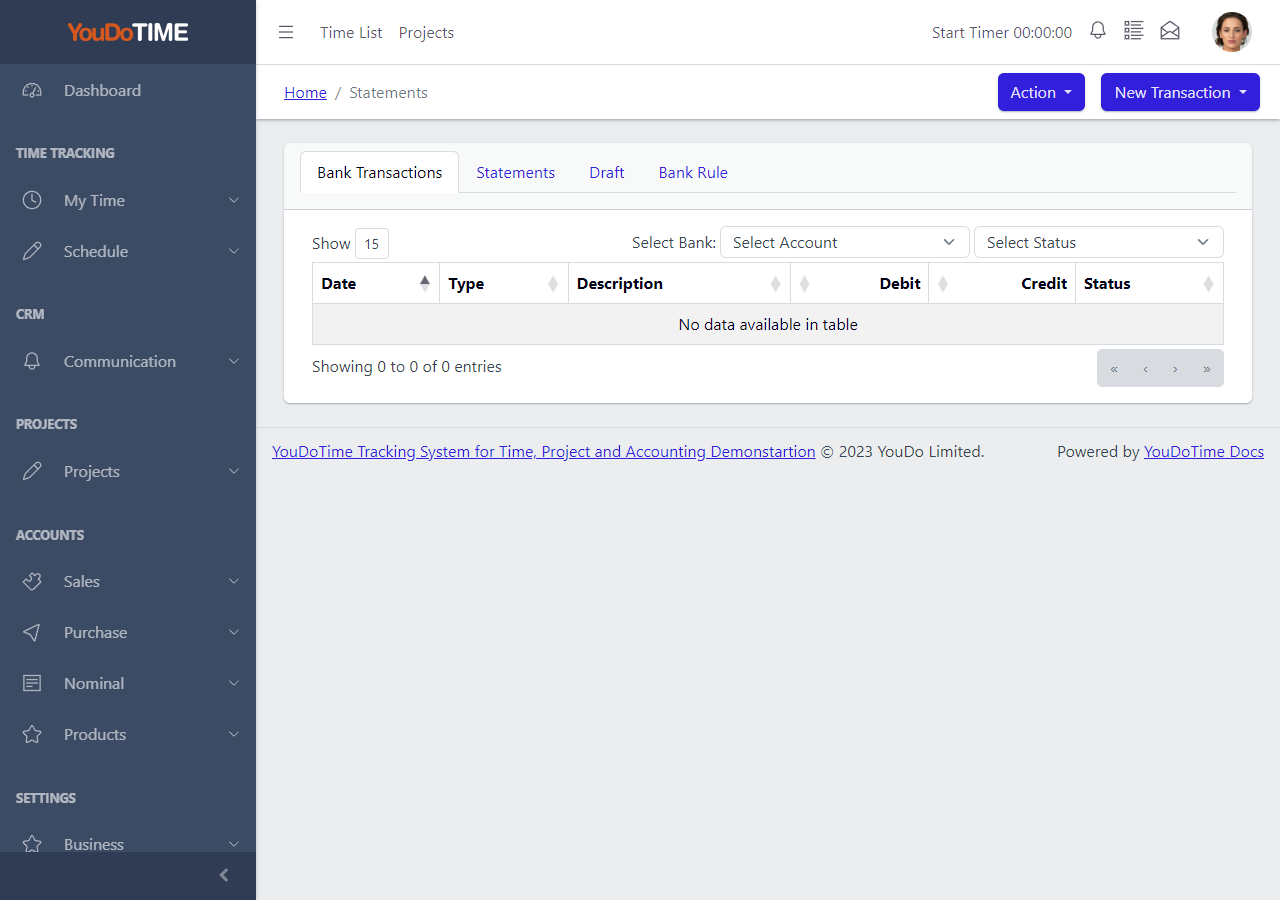
Statement List
The statement list shows imported bank statements ready for review and matching.
Staff can step through each statement, check rule-generated entries and post any remaining items as cashbook receipts or payments.
- See imported statements awaiting review.
- Step through line by line.
- Apply bank rules to routine entries.
- Post remaining items by hand.
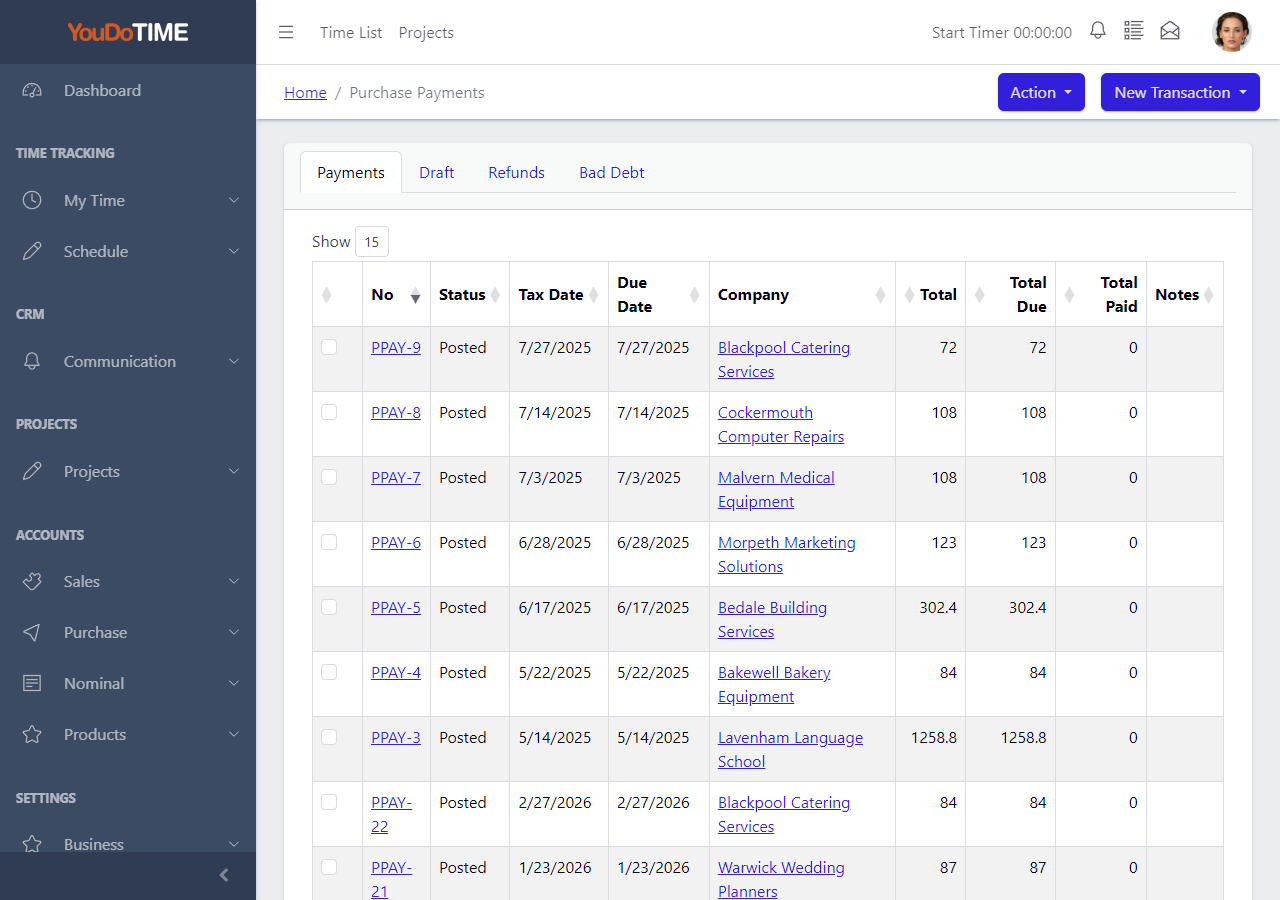
Purchase Payments
Purchase payments record what has been paid out to suppliers. Bank rules and statement matching can post these automatically when the bank import recognises a known supplier.
Manual payments can be entered alongside the imported entries when needed.
- Record payments out to suppliers.
- Match to imported bank lines.
- Reduce manual cashbook entry.
- Keep payments tied to suppliers.
Sales Receipts
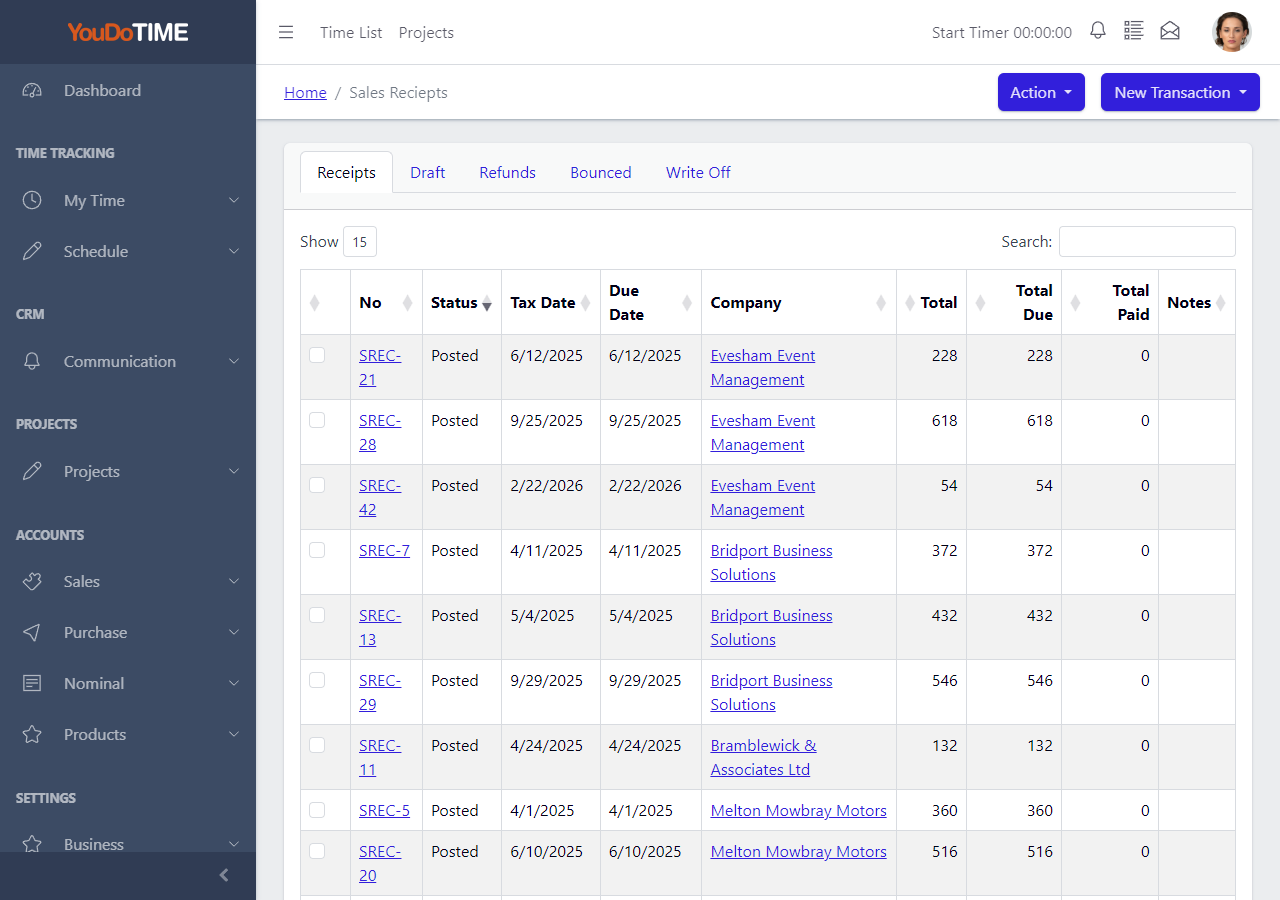
Sales receipts record what customers have paid in. The bank import can match incoming receipts to outstanding invoices, supporting credit control.
Manual receipts can be entered when no invoice is involved, for example a cash sale or a deposit.
- Record incoming customer payments.
- Match to outstanding invoices.
- Support credit control.
- Handle cash sales by hand when needed.