Schedule Projects

Three reasons to schedule projects in YouDoProjects.
Team schedule view
Plan staff time against active projects and see workload by user, team or week.
Calendar and list views
Switch between calendar, list and project-led views without changing application.
Connected to actuals
Scheduled time can be compared with actual time recorded against the same project, supporting better planning over time.
Plan delivery against real project data
Project scheduling is more useful when it works directly with the projects, tasks and people in the same system.
YouDoProjects brings projects, tasks, time and team scheduling into a single self-hosted application. Staff schedules and project workload sit beside the actual work being delivered.
Local hosting on Windows or Mac means schedules update quickly across the office network without depending on a remote SaaS service.
Schedule Projects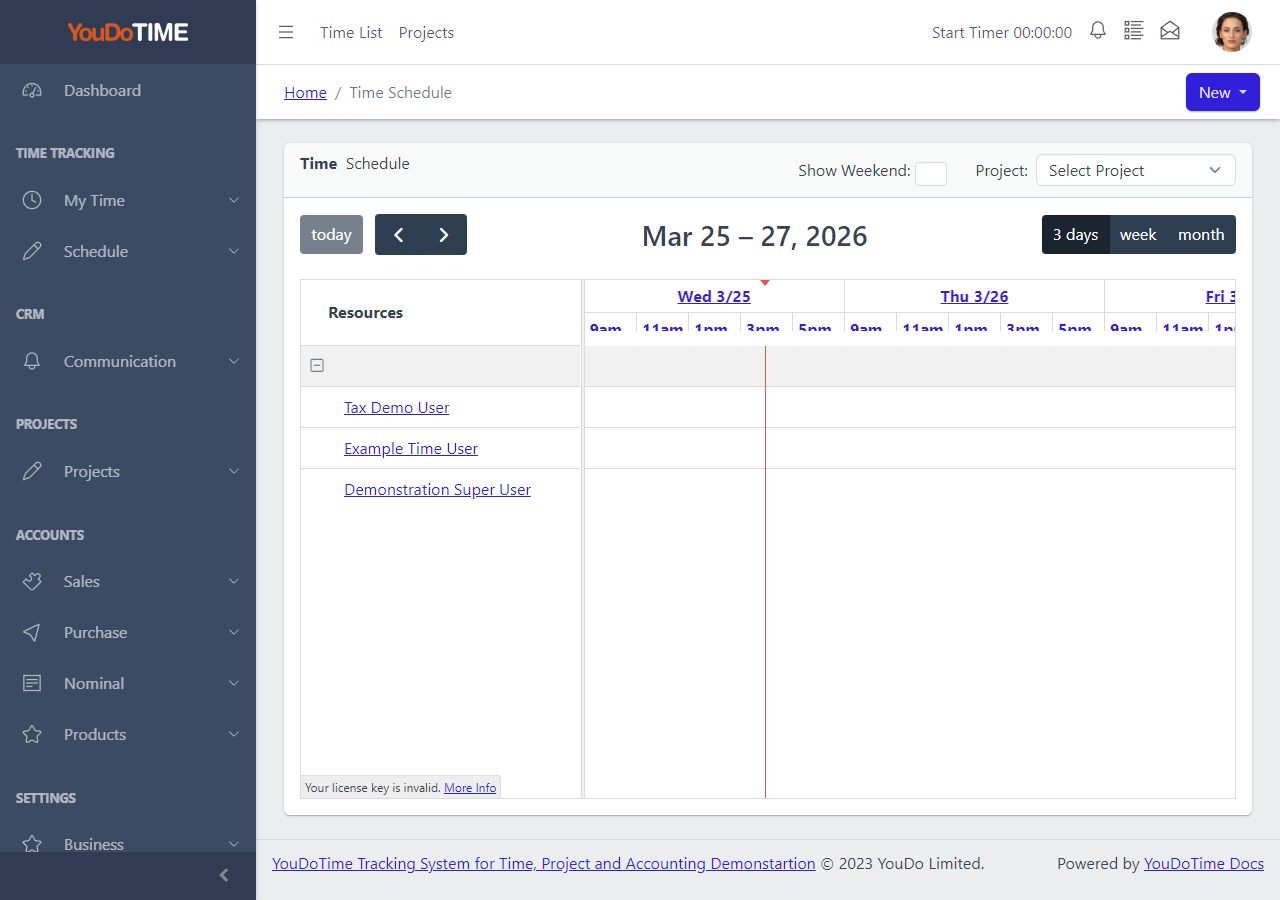
Time Schedule
The time schedule view lets project leads plan staff time against current and upcoming projects.
Planned time entries can later be reviewed against the actual time recorded by users, supporting more reliable estimates on future work.
- Allocate staff time to projects.
- Plan ahead by week or month.
- Compare planned and actual.
- Reduce reliance on spreadsheets.
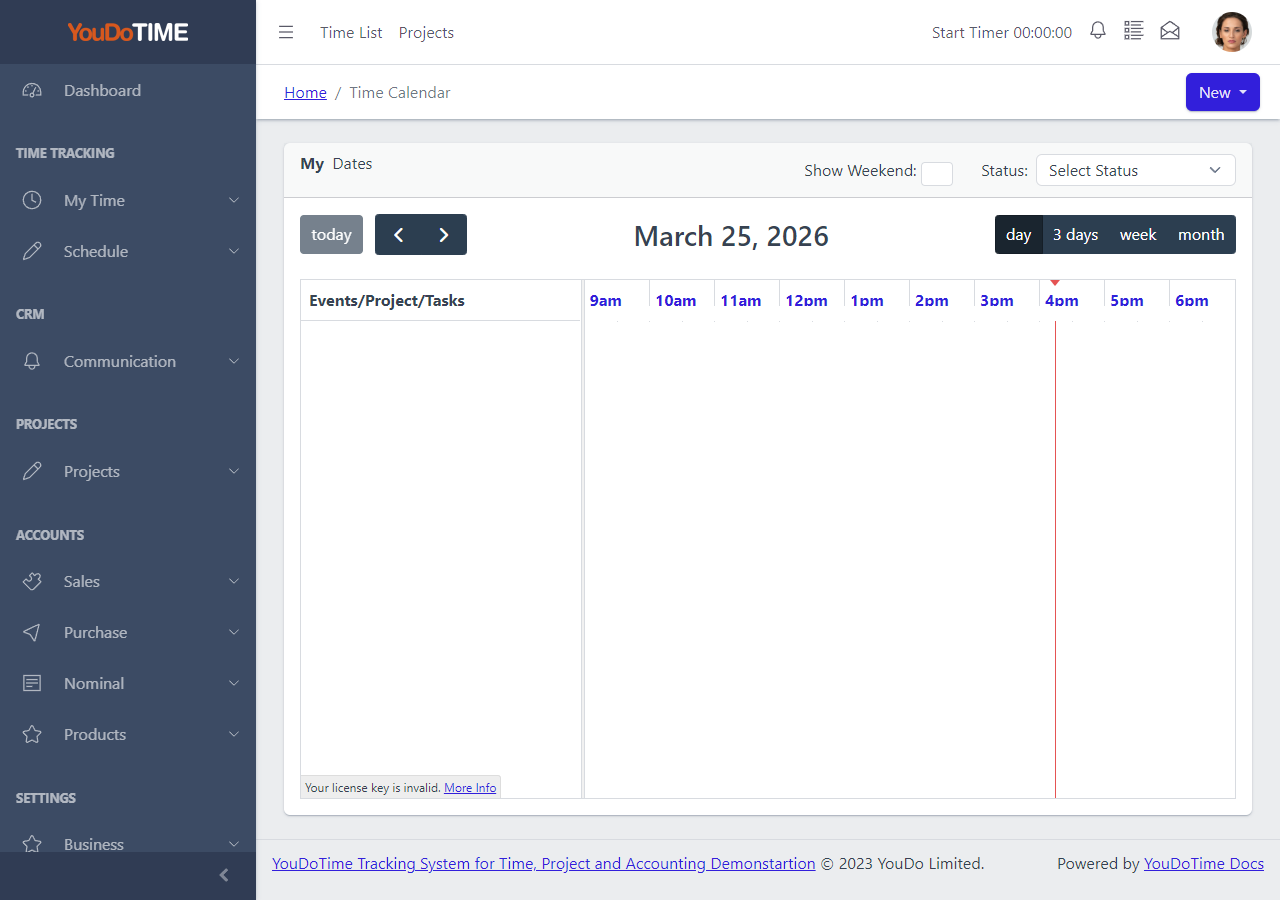
Calendar View
The calendar view shows scheduled work and time entries by date. It is useful for spotting overload, gaps and clashes across the team.
Because the calendar is part of the same application as projects and tasks, items on the calendar are linked back to the relevant project record.
- Visualise the team schedule.
- Spot overload and gaps quickly.
- Click through to project records.
- Daily, weekly and monthly views.

Project List
The project list provides the wider context for scheduling. Project leads can see active projects, sub-projects and the people assigned to them.
Projects, sub-projects and tasks combine to give the structure that schedules are built against.
- Browse all active projects.
- See sub-projects and assigned staff.
- Use as the basis for scheduling.
- Familiar to JIRA users.