Kanban Planner

Kanban Planner n YouDoProjects.
Task and project lists
Users see their own task list alongside the wider project record so personal work is in context.
Calendar planning
A calendar view shows scheduled work and helps spot clashes and gaps across the team.
Self-hosted speed
Local hosting means the planner refreshes quickly on the office network without depending on the cloud.
A practical planner for small teams
Planning is most useful when it draws on real project, task and time data rather than a separate planning tool.
YouDoProjects brings projects, sub-projects, tasks, schedules and personal task lists into one self-hosted application. The planner gives a working view of upcoming work without leaving the system.
Because everything is held locally, the planner is fast and private and does not depend on a remote SaaS service.
Planner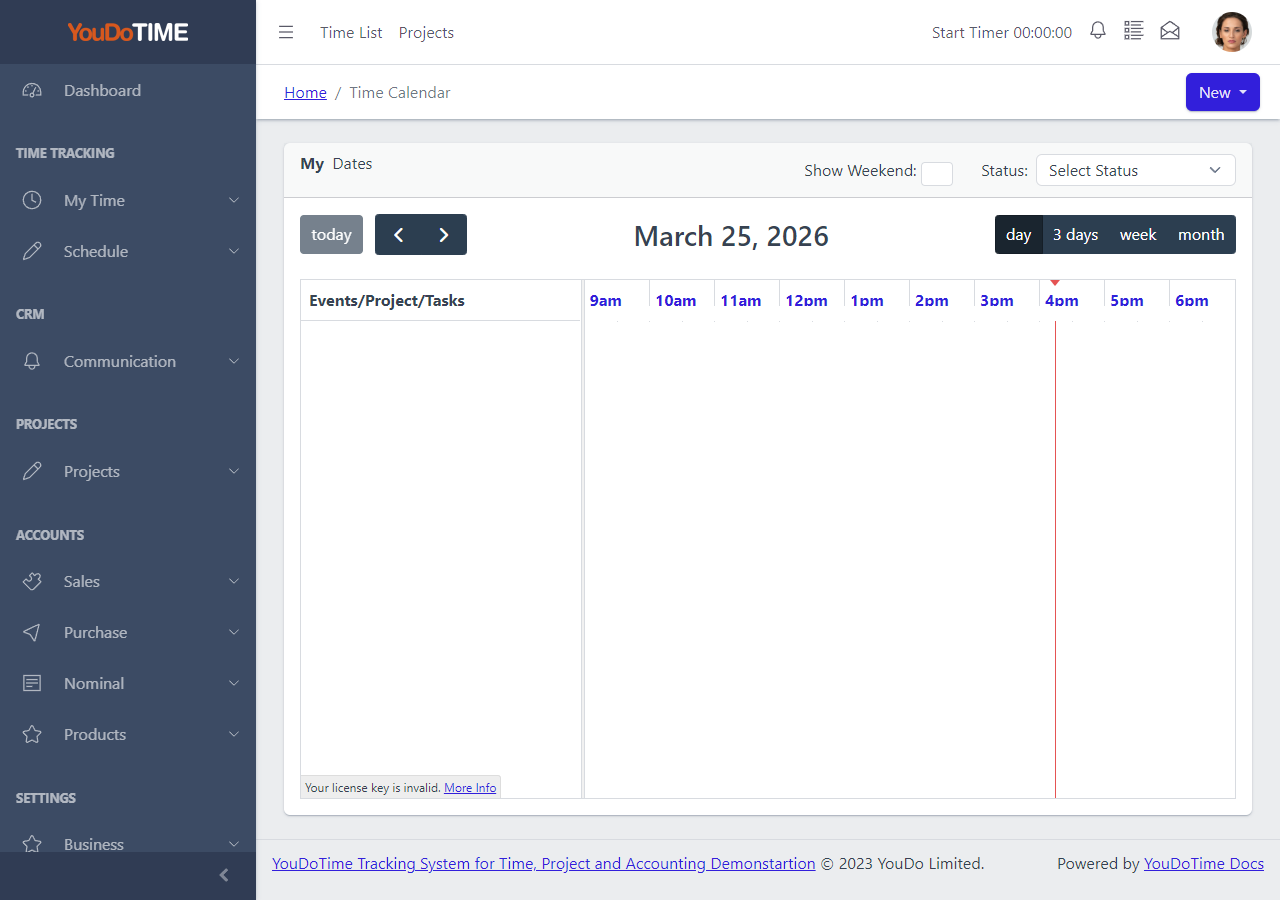
Calendar View
The calendar view shows scheduled work and time entries by date. It is the main planning surface for users who think in terms of days and weeks.
Items on the calendar are linked back to projects and tasks, so the planner is always working from real project data.
- See upcoming work by date.
- Spot clashes and gaps.
- Linked to project and task records.
- Daily, weekly and monthly views.
My Task List
The personal task list shows the tasks assigned to the current user across all projects.
This helps individual users plan their own day or week without needing a separate task tool.
- See your own tasks across projects.
- Sort and filter by priority or due date.
- Update task status from one screen.
- Stay focused on personal workload.


Project List
The project list gives planners a view of active projects, sub-projects and the people assigned to them.
It provides the structure that personal task lists and calendar entries are built against.
- Browse active projects and sub-projects.
- See assignments and progress.
- Open detail in one click.
- Familiar to JIRA users.